You saved it to see it.
tak lays any public Pinterest board across your Windows desktop, in a fresh layout every half hour, with whatever you pin next joining in.
Pay with Apple Pay or Google Pay. We email you the key and an installer link to open later on your PC.
Windows 10 and 11 · $9 launch price ends in –, then $15$15, once
macOS version coming soon ·
 9:41 AM
10/3/2026
Sped up here. Every 30 min on your PC.
Nothing is uploaded to us: your browser reads the public board straight from Pinterest.
Want this on your PC? $9 for the next –, then $15.$15, once.
- 7 days free, no card
- One price, no subscription
- Set up in under a minute
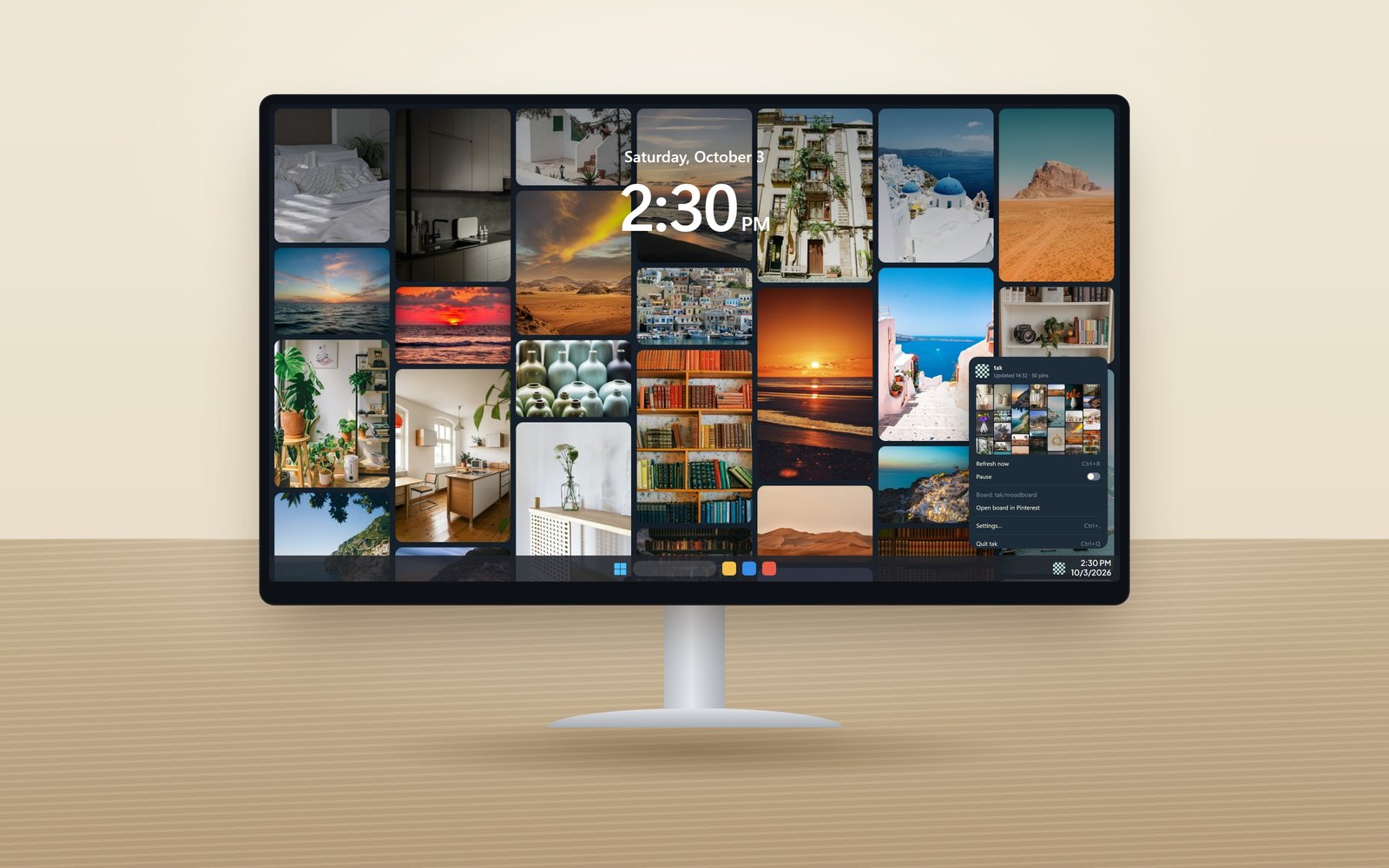
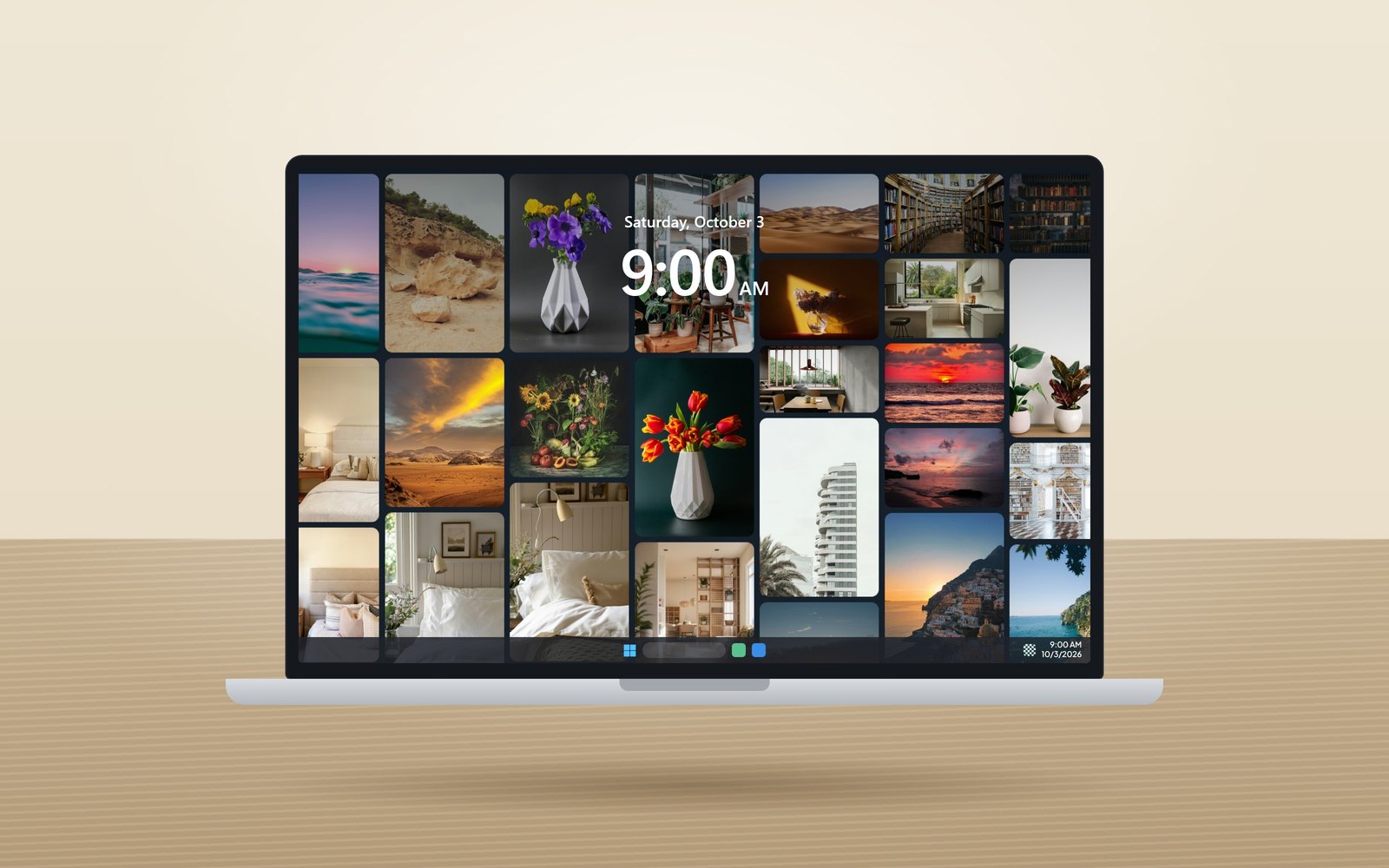
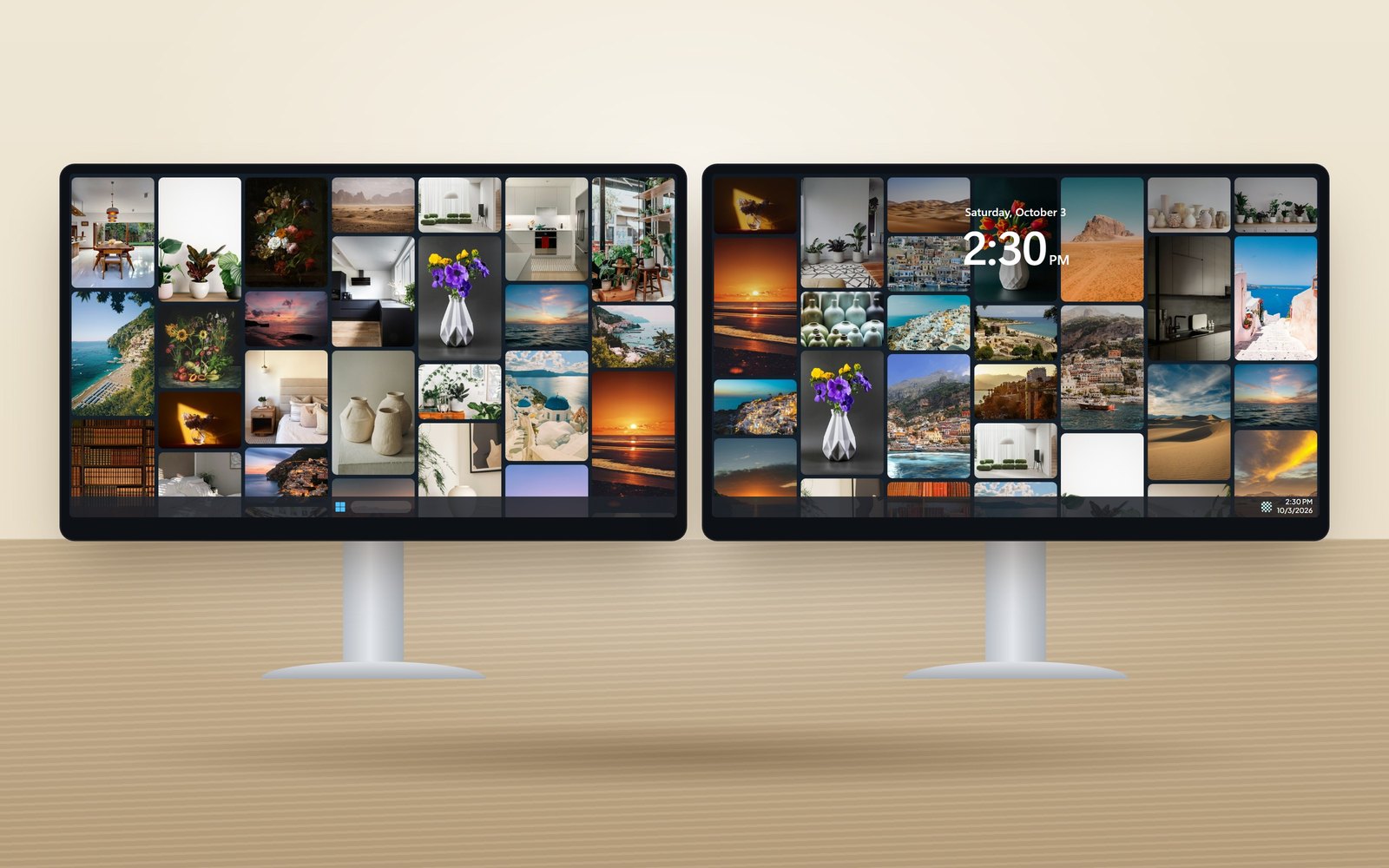
On your desk, on your laptop, on every screen.
Set up once, in about a minute.
Copy a board link
Any public board, yours or someone else's, like
pinterest.com/ana/studio.Paste it into tak
Your wallpaper builds itself in a few seconds, with its own grid on each monitor.
Keep pinning
Every 30 minutes the wall rearranges and picks up whatever you've saved since.

Make it look the way you want.
Rounded tiles or circles, more columns or fewer, tight or airy, on any background colour. The preview updates as you drag, and your desktop half a second later.
- Its own grid on every monitor, or its own board
- On your lock screen too, if you like
- Sharp on 4K and scaled displays
- Change how often it refreshes, or pause it
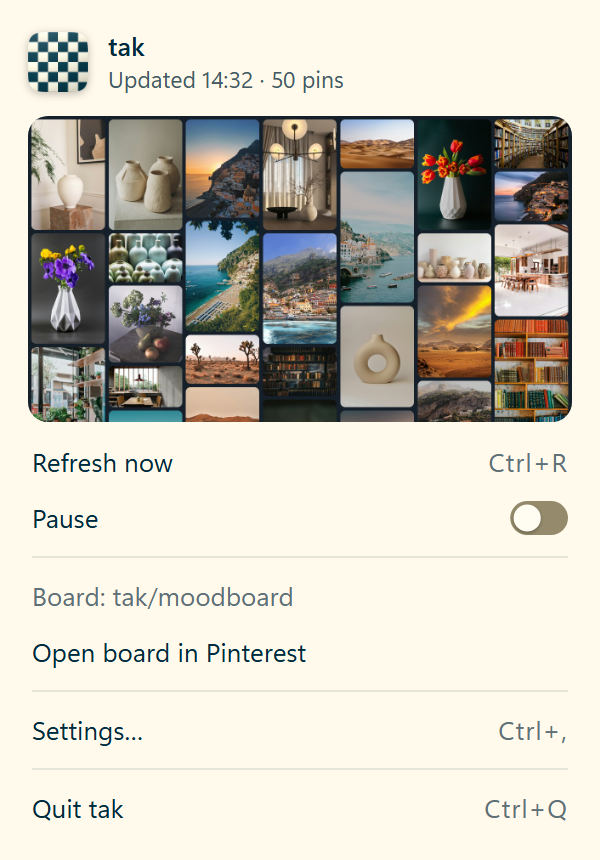
Sits by the clock. Asks for nothing.
Click the icon for the quick menu. Otherwise tak sits quietly in the background and asks for nothing.
One price. Yours for good.
- Lifetime licence, no subscription
- Your desktop, your laptop and one more PC
- Every 1.x update, installed for you
Not sure yet? Try it free for 7 days, no card needed.
On your phone? for your PC.
macOS version coming soon ·
Not for you? Full refund within 14 days. Refund policy
Before you try it
What's in the free trial?
All of tak, for 7 days, with no card and no account. Set it up, live with it for a week, then decide. If you buy, you just enter your key and it's yours for good. If you don't, nothing breaks: your last wallpaper simply stays.
Will I notice it running?
Only when you look at your desktop. tak is lightweight: it sits quietly in the background, waits while you play or present in full screen, and holds back on battery saver so your laptop lasts.
Can I use a secret board?
tak works with public boards: it gets your pins through Pinterest's embed service, which can't see secret ones. Making a board public takes a few seconds (here's how). tak shows its 50 or so newest pins, so whatever you save next appears on its own.
What if it's not for me?
Then you lose nothing. Within 14 days of buying you get a full refund, and one click in Settings puts your old wallpaper back. Uninstalling does the same.
I'm on my phone right now. Can I still get it?
Yes. Buy it here with Apple Pay or Google Pay and we'll email you the key and an installer link to open on your PC. Or have the free trial link sent to your inbox, ready for when you're at your computer.
Put your board where you'll actually see it.
macOS version coming soon ·